

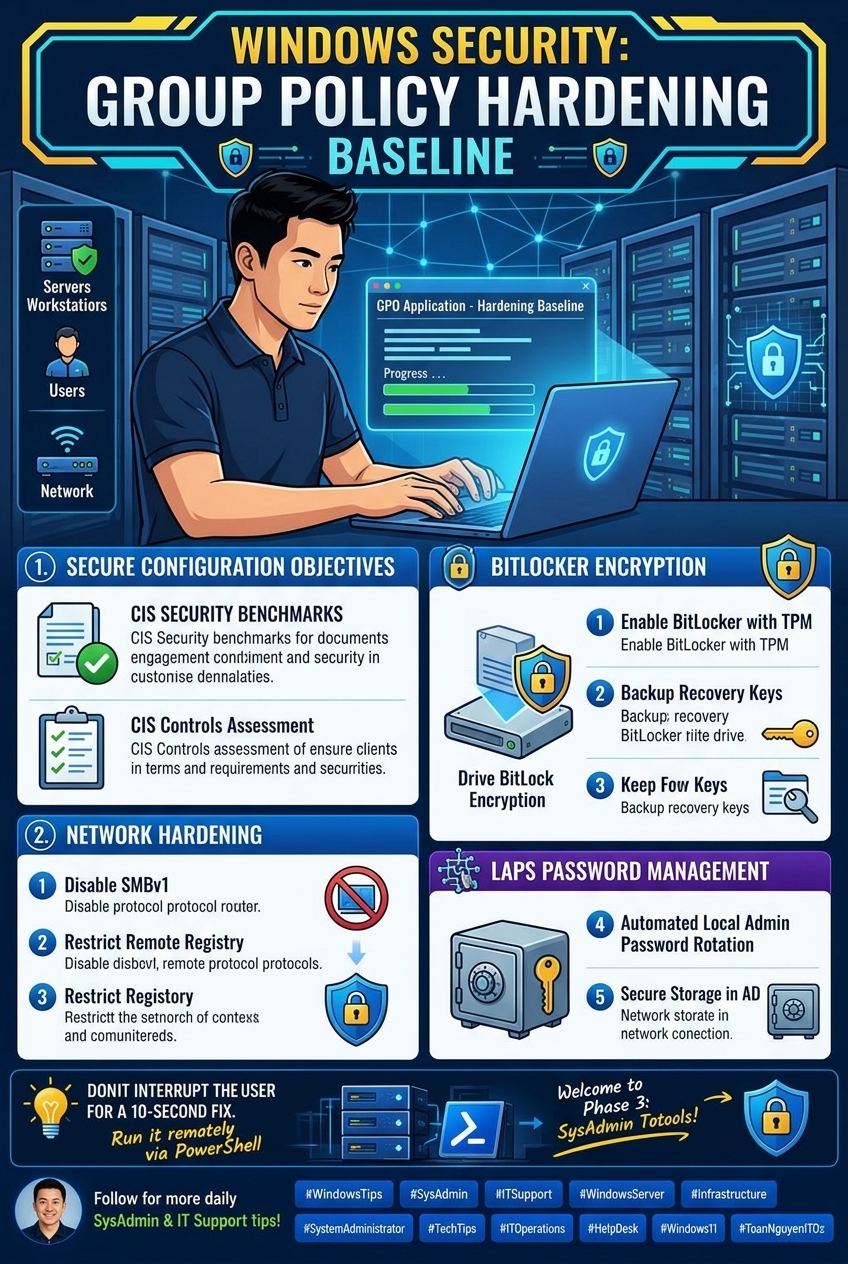
In an era of sophisticated ransomware and identity compromise, default operating system configurations are inadequate for enterprise security. Systems Administrators must establish a rigorous Security Baseline across all domain-joined Windows 11 and Windows 10 endpoints.
This guide outlines essential Group Policy Object (GPO) configurations aligned with CIS Benchmarks and the Australian Cyber Security Centre (ACSC) Essential 8 framework.
1. Enforcing Windows LAPS (Local Administrator Password Solution)
Shared local administrator passwords allow adversaries who compromise a single endpoint to move laterally across your entire corporate network.
Windows LAPS automatically generates a unique, cryptographically strong password for each computer’s built-in local administrator account and stores it securely within protected attributes inside Active Directory or Entra ID:
GPO Setting Location:
Computer Configuration -> Administrative Templates -> System -> LAPS
- Configure password backup directory:
Backup the password to Active Directory - Password Complexity: Large letters, small letters, numbers, and special characters
- Password Length: 16 characters or greater
- Password Age: 30 days
1
2
3
# Retrieve the current LAPS password for an endpoint (authorized tier-2 sysadmins only)
Get-ADComputer -Identity "WS-FIN-01" -Properties msLAPS-Password |
    Select-Object Name, @{N='LAPS_Password'; E={$_. 'msLAPS-Password'}}
2. Mandatory BitLocker Full-Disk Encryption with TPM
To protect data at rest in the event of lost or stolen laptops, enforce BitLocker Drive Encryption and back up 48-digit recovery keys directly into Active Directory:
GPO Setting Location:
Computer Configuration -> Administrative Templates -> Windows Components -> BitLocker Drive Encryption -> Operating System Drives
- Require additional authentication at startup: Enabled (Require TPM)
- Choose how BitLocker-protected operating system drives can be recovered:
- Save BitLocker recovery information to AD DS: Enabled
- Do not enable BitLocker until recovery information is stored to AD DS for OS drives: Checked
1
2
# Check local BitLocker status via PowerShell
Get-BitLockerVolume -MountPoint "C:" | Format-List VolumeStatus, EncryptionMethod, ProtectionStatus
3. Disabling Insecure Legacy Protocols: LLMNR and NetBIOS
Adversaries frequently capture NTLMv2 challenge-response hashes across local subnets by spoofing name resolution requests using tools like Responder. Eliminate this vector entirely by disabling LLMNR and NetBIOS:
Disable Link-Local Multicast Name Resolution (LLMNR):
Computer Configuration -> Administrative Templates -> Network -> DNS Client
- Turn off multicast name resolution: Enabled
Disable NetBIOS over TCP/IP (via DHCP Scope Option or PowerShell Script GPO):
1
2
3
4
5
# Disable NetBIOS across all active adapters
$Adapters = Get-WmiObject -Class Win32_NetworkAdapterConfiguration -Filter "IPEnabled = True"
foreach ($Adapter in $Adapters) {
    $Adapter.SetTcpipNetbios(2) # 2 = Disable NetBIOS over TCP/IP
}
4. Enforcing PowerShell Script Block Logging & Constrained Language
PowerShell is an indispensable administrative tool, but it is also weaponized by attackers. Enabling Script Block Logging ensures your SIEM or centralized Windows Event Log collector captures the full de-obfuscated script code being executed:
GPO Setting Location:
Computer Configuration -> Administrative Templates -> Windows Components -> Windows PowerShell
- Turn on PowerShell Script Block Logging: Enabled (Check “Log script block invocation start/stop events”)
- Turn on Module Logging: Enabled (
*for all modules)
Script blocks are recorded under Event ID 4104 in the Microsoft-Windows-PowerShell/Operational log:
1
2
Get-WinEvent -FilterHashtable @{LogName='Microsoft-Windows-PowerShell/Operational'; Id=4104} -MaxEvents 5 |
    Select-Object TimeCreated, Message
Baseline Hardening Summary
| Control Area | Security Policy | Threat Mitigated |
|---|---|---|
| Credential Hygiene | Windows LAPS | Lateral movement via Pass-the-Hash |
| Data Protection | BitLocker with TPM | Physical device theft & data leakage |
| Network Integrity | Disable LLMNR / NetBIOS | Responder hash poisoning attacks |
| Visibility | PowerShell Script Block Log | Stealthy fileless living-off-the-land attacks |
Implementing these four GPO baselines elevates your enterprise endpoint security posture to institutional banking standards.